Gentle
All tasks done. Notice what helped.
Warm and supportive, leads with empathy.
Tasks · habits · goals · mood · notes
PartNeur keeps your whole day in one place, and a small neuron keeps you company through it. It notices your streaks and asks a good question now and then.
 Coming to Android first.
Brain dump
Open Brain dump and type whatever is on your mind, in one go. PartNeur sorts it into tasks, habit check-ins, ideas and notes, and shows you the result before anything is saved.
Call mom next Thursday at 3, went for a run, feeling good. Idea: a shelf for the plants
Your partner
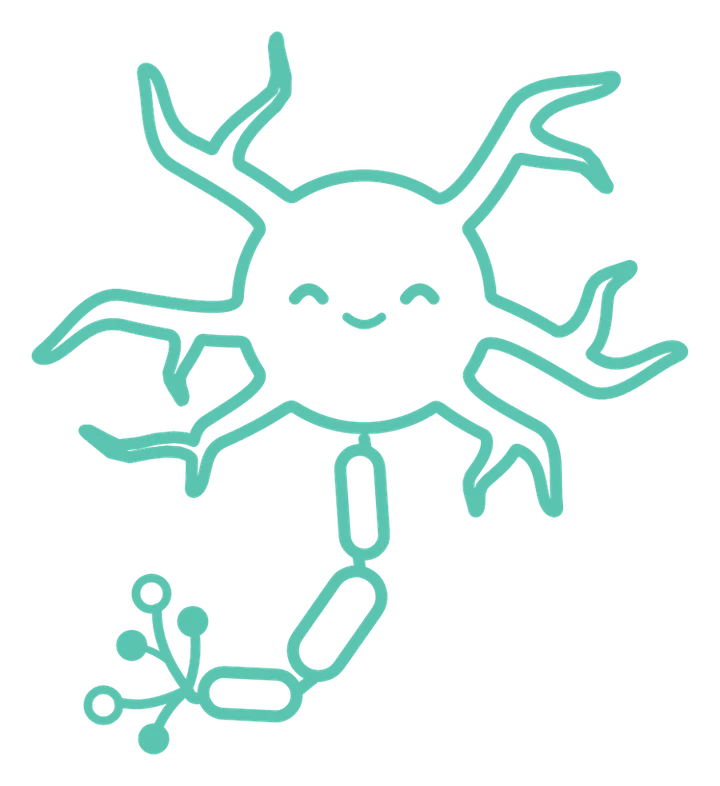
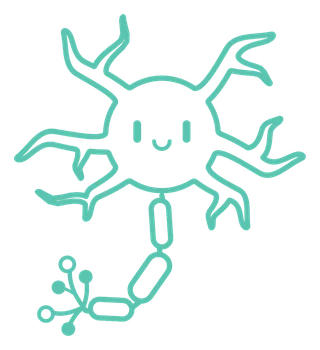
It is a neuron, and everything you log feeds it: the tasks you finish, the habits you keep, your notes and moods, the evening recap. It grows from a single cell into something with reach.
Pick its personality when you set it up, and change it any time. Here is one thing each might say when you clear your task list.
All tasks done. Notice what helped.
Warm and supportive, leads with empathy.
Tasks cleared. Good.
Direct and honest, no sugarcoating.
Zero tasks! Suspiciously calm.
Playful and witty, humor that lands.
A day with PartNeur
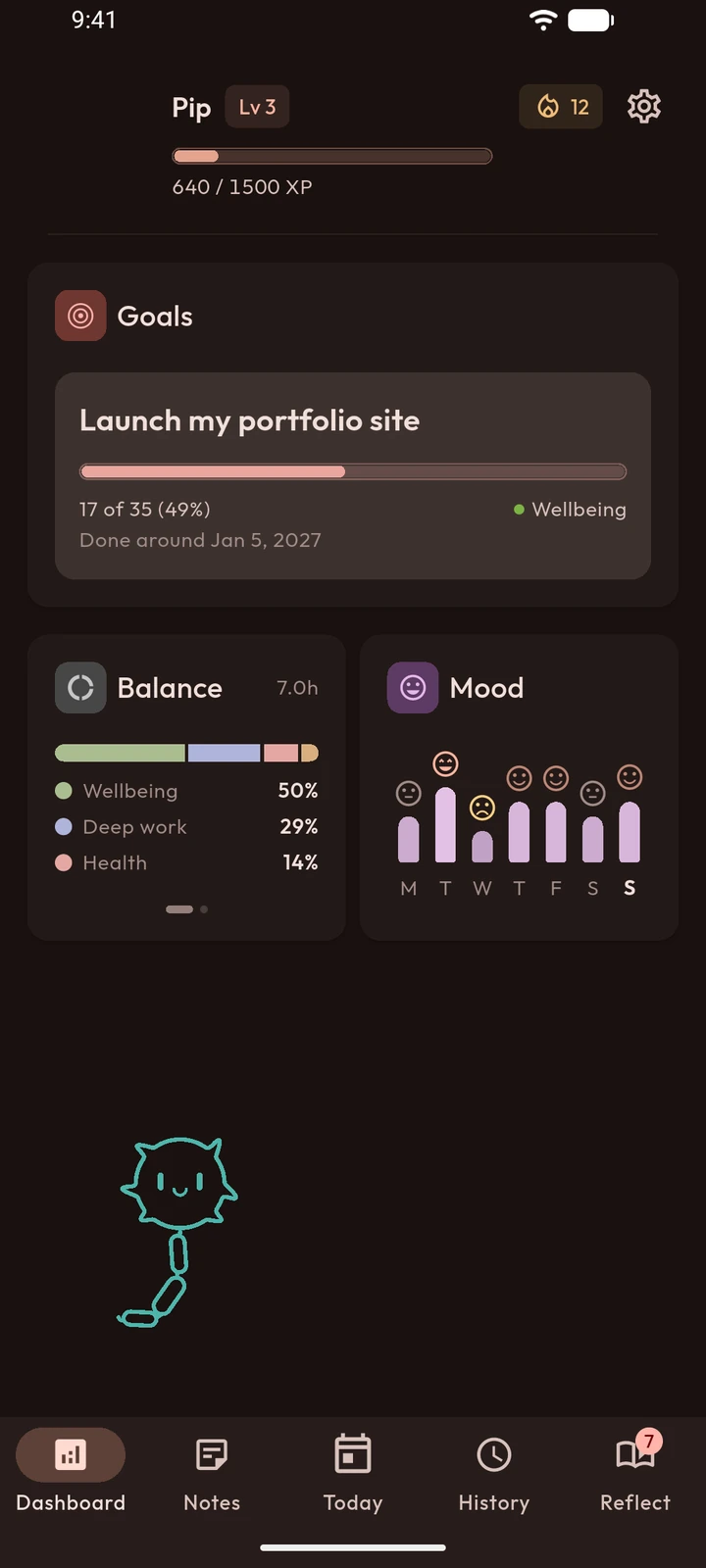
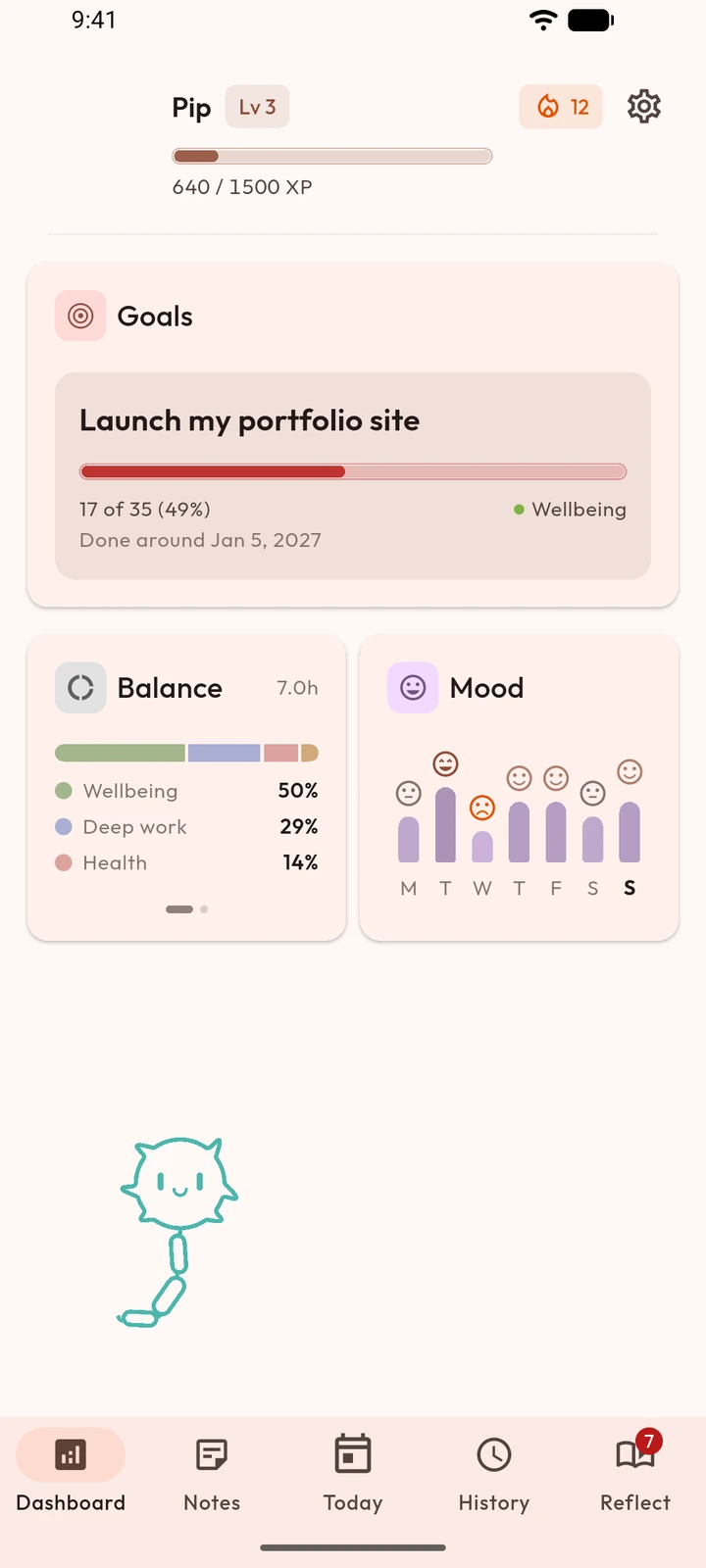
Each kind of thing has its own colour, so you can tell at a glance what a day was made of.
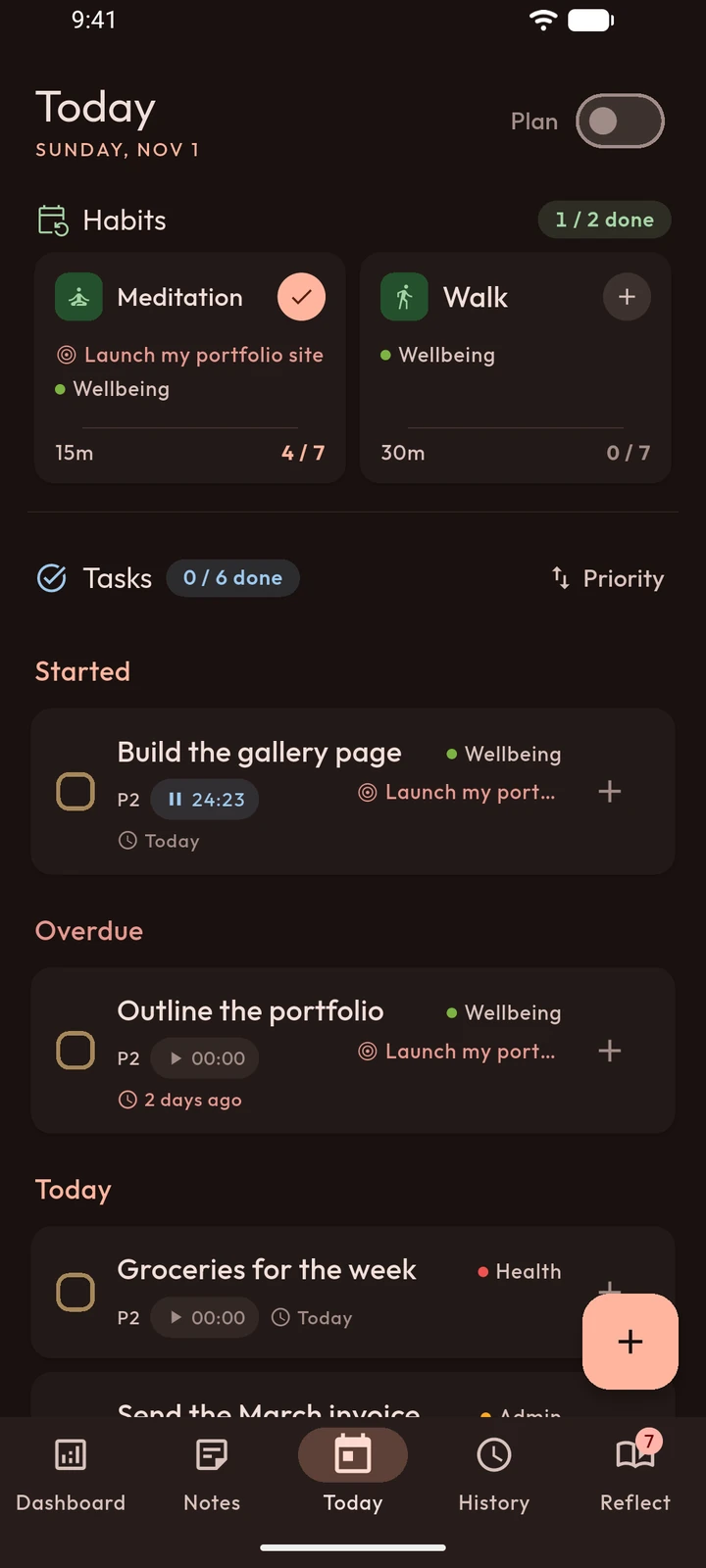
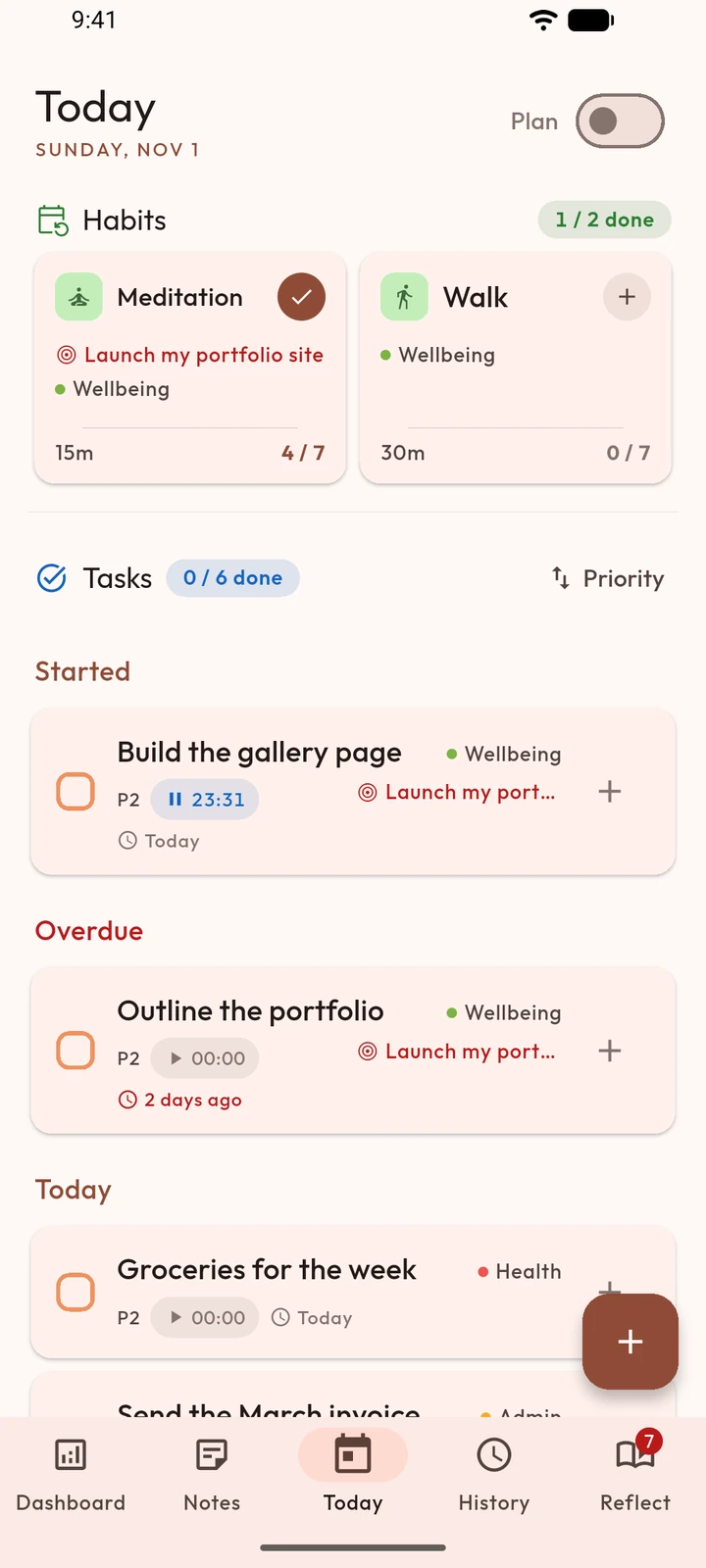
Today
Habits first, then tasks, in one scroll. Start a timer on a task when you sit down to it, and pause it when life happens.
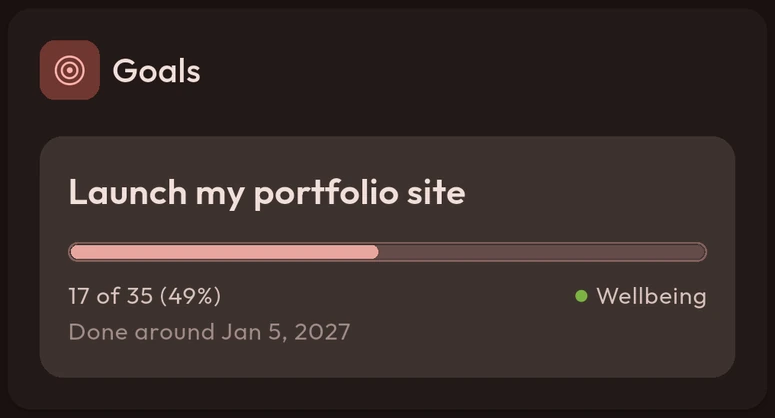
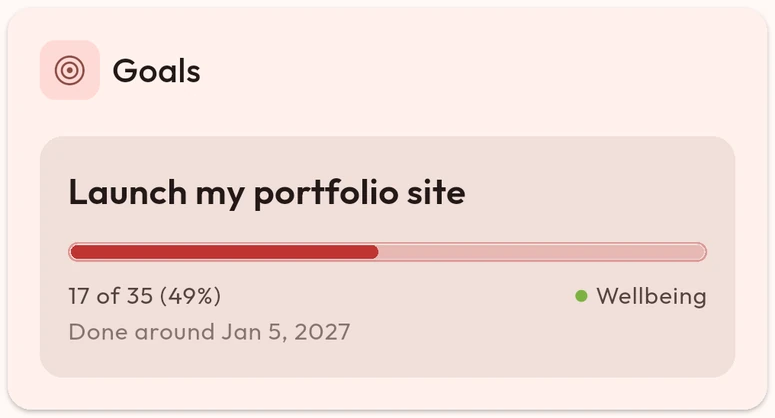
Goals
Give a goal a rough deadline, "by Q4" is enough, and link the tasks and habits that feed it. Its card fills as the work adds up.
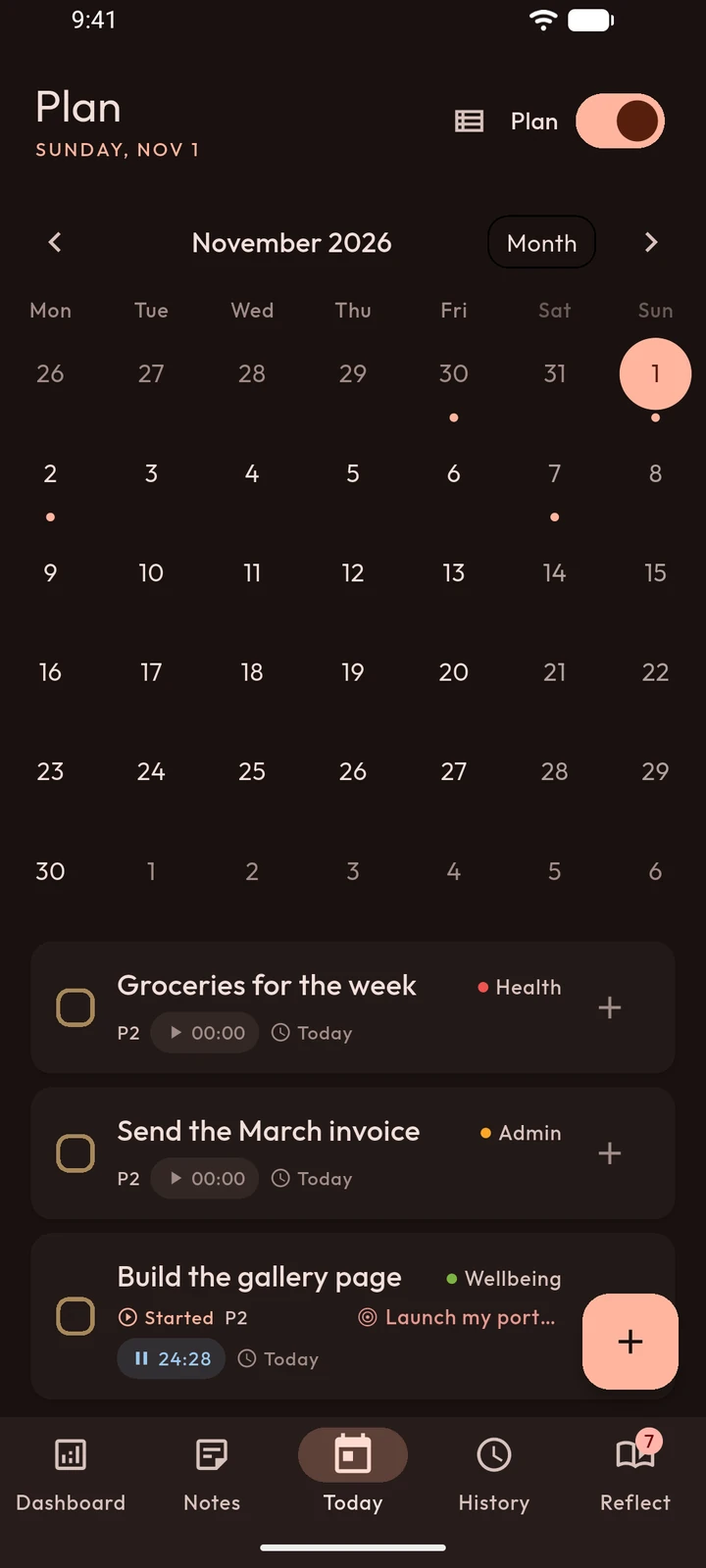
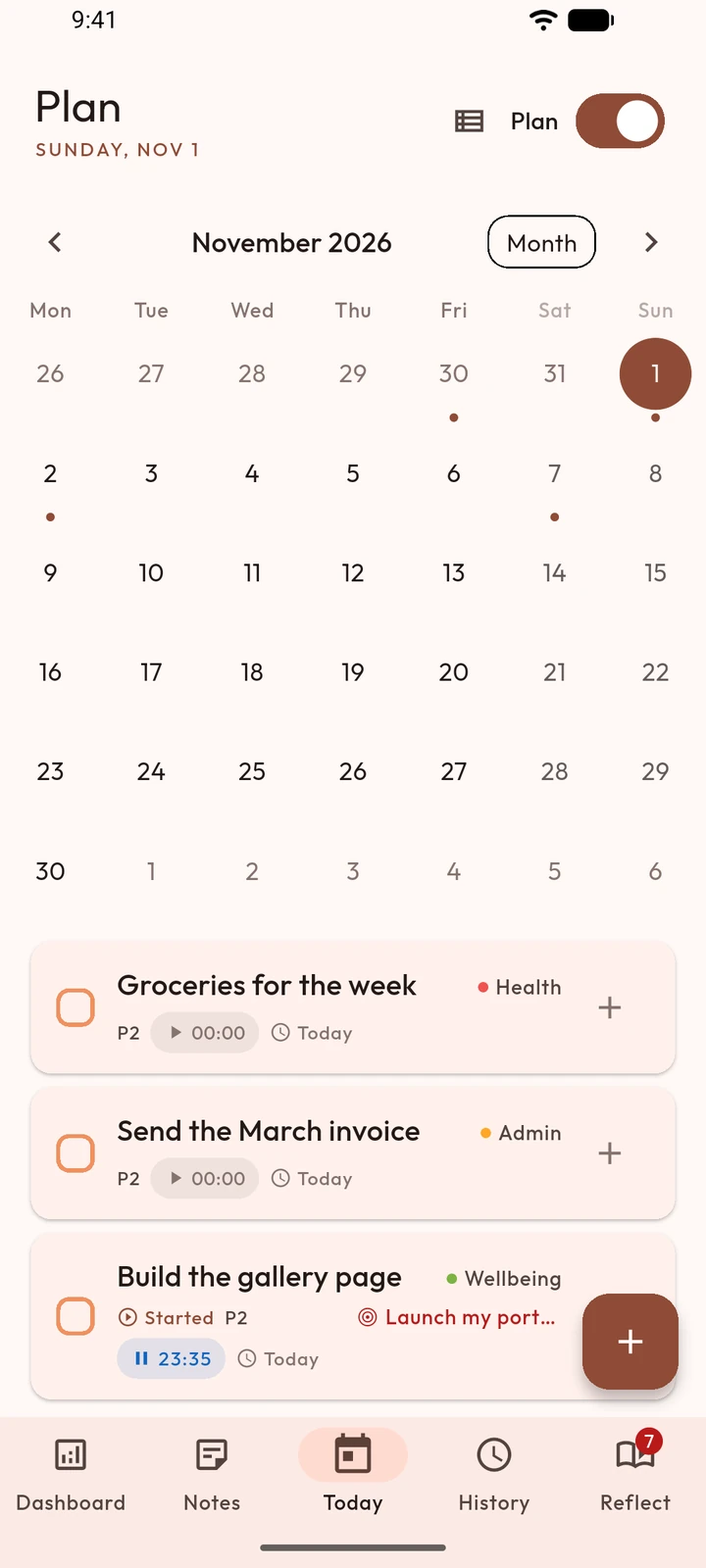
Plan
Flip Today into Plan for a calendar of what's coming: tasks on their days, habits on theirs, and a Backlog for what you haven't committed to yet.
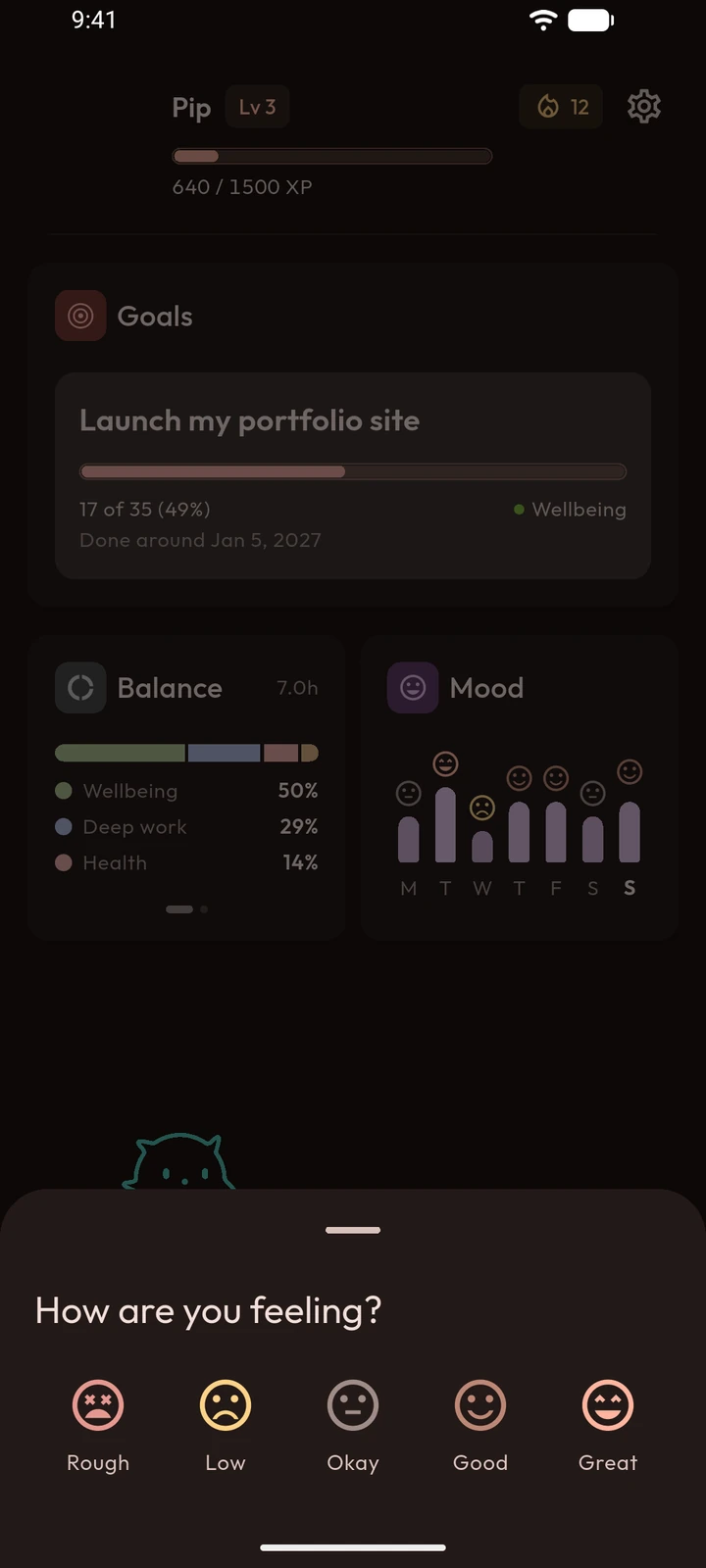
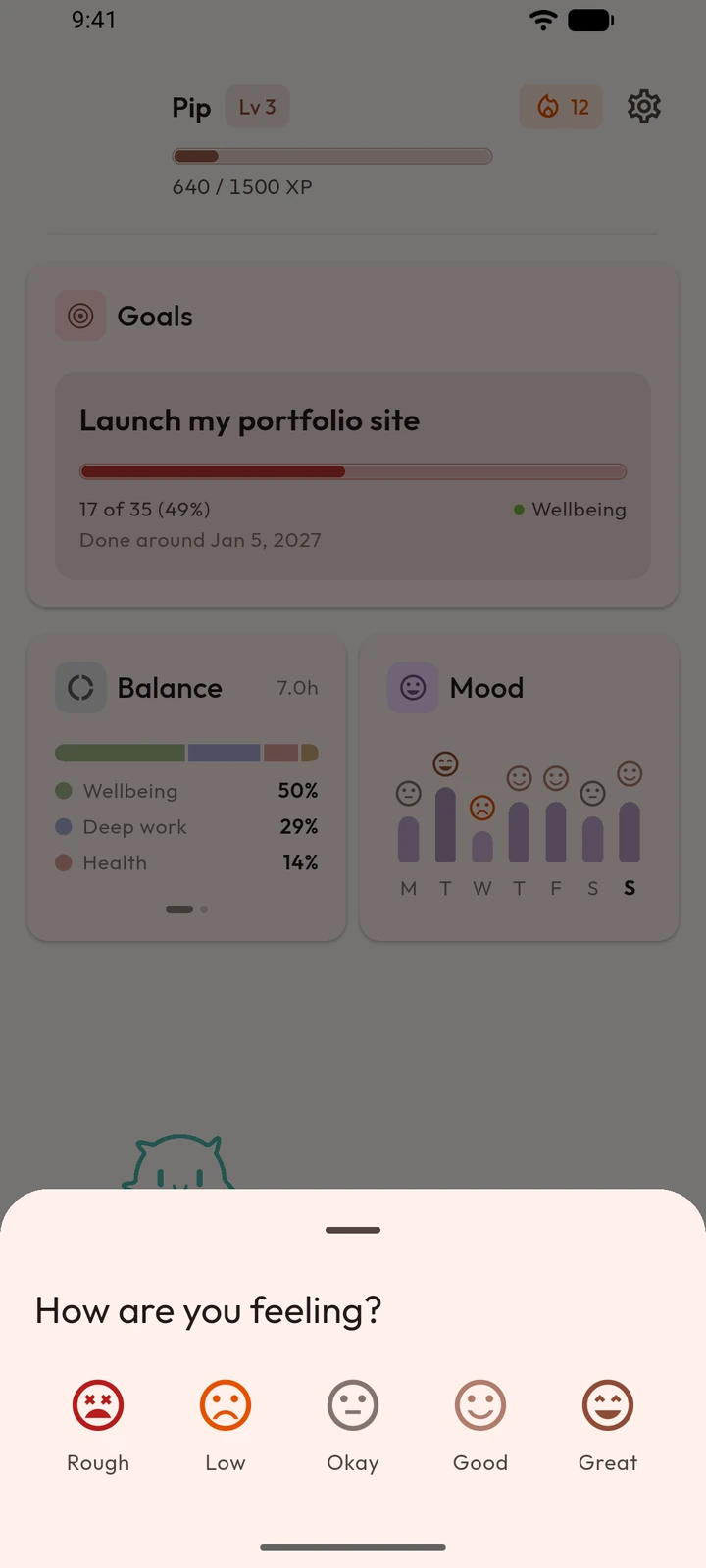
Mood
Log how you feel from the Dashboard. The week's chart shows the drift you would not notice day to day.
Evening
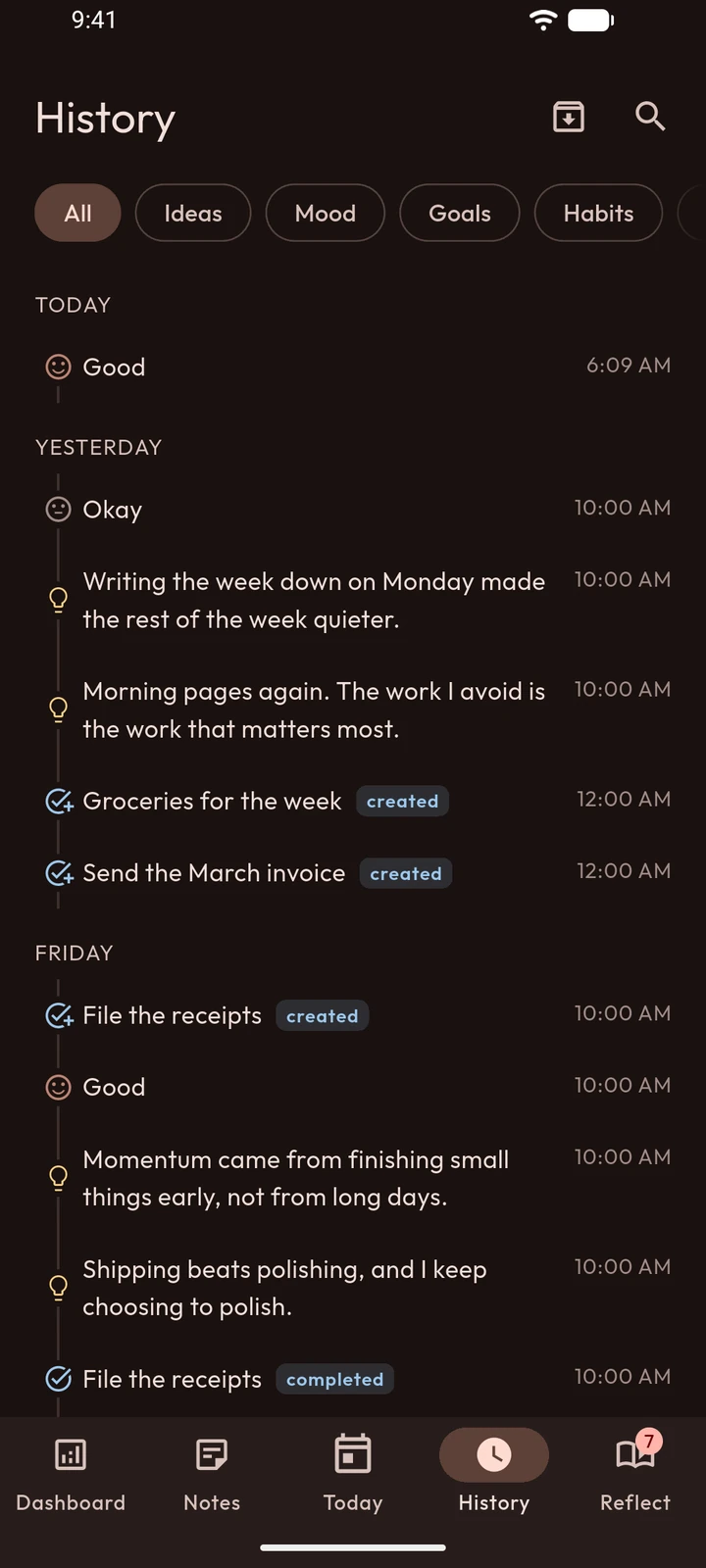
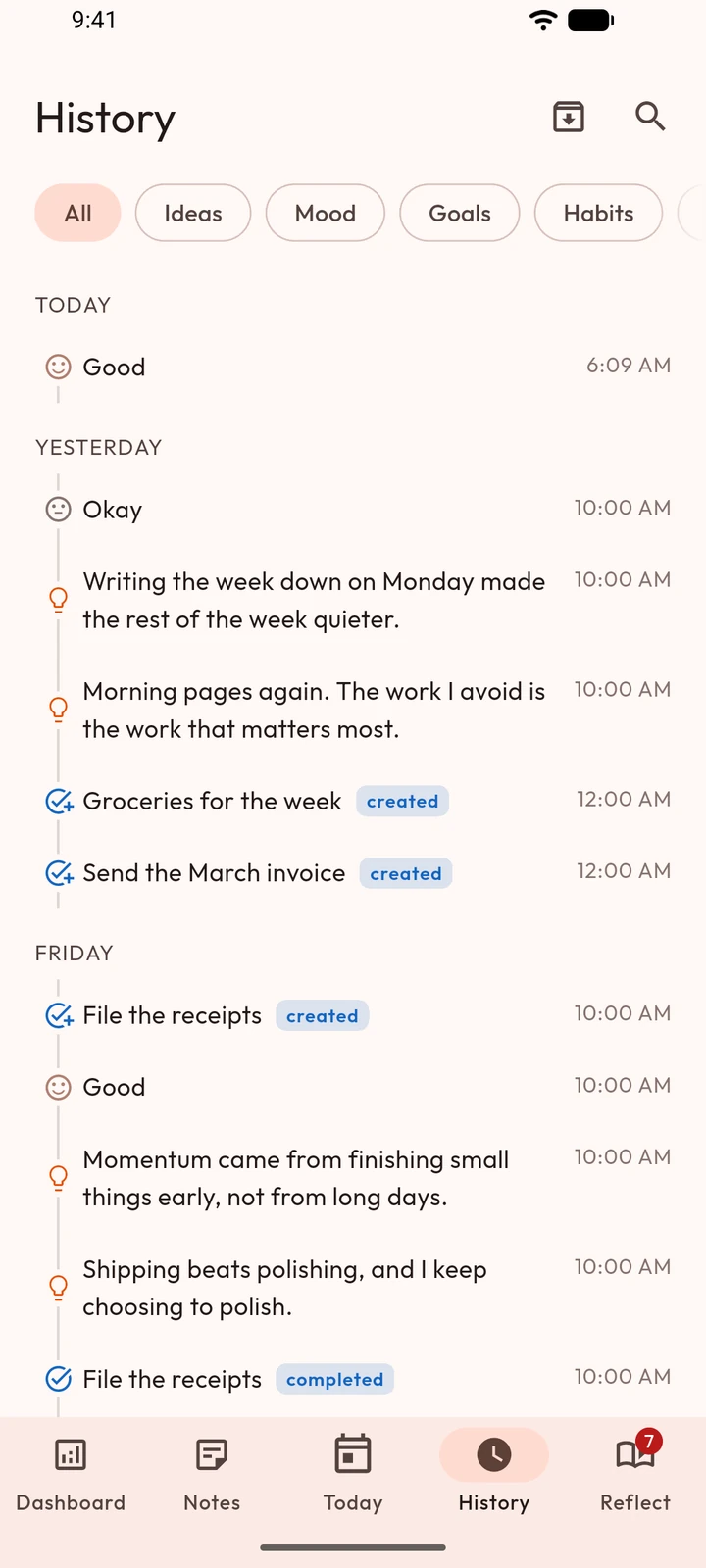
Tonight's recap shows what you fed today and asks for one moment worth keeping. Everything you log lands in History, in order and searchable.
Sunday
Once a week, a short reflection walks you through what happened and what to do with it. Leave halfway and it picks up where you stopped.
Your week in numbers: what you did, how you felt.
What went well, and what didn't.
Patterns from your last two weeks.
What you'll carry into the next one.
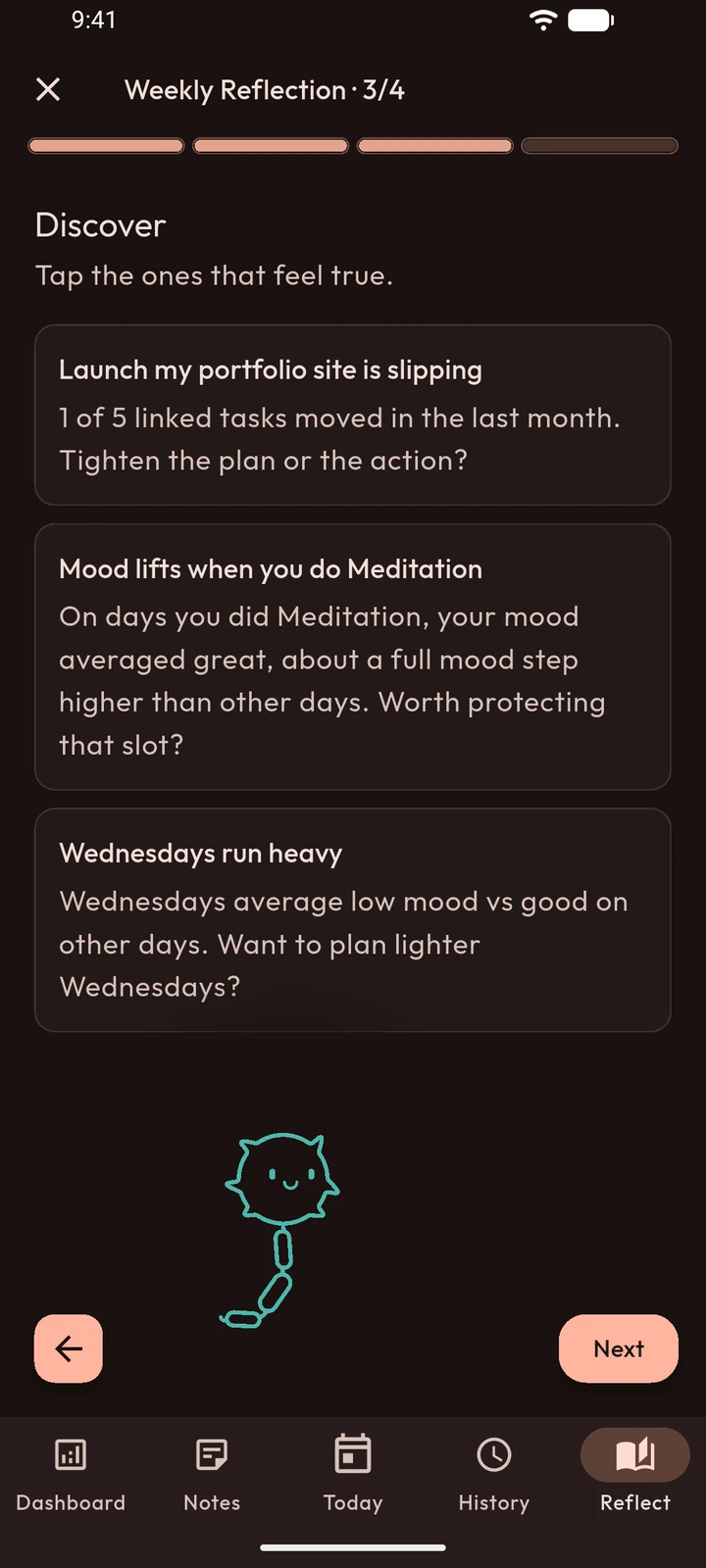
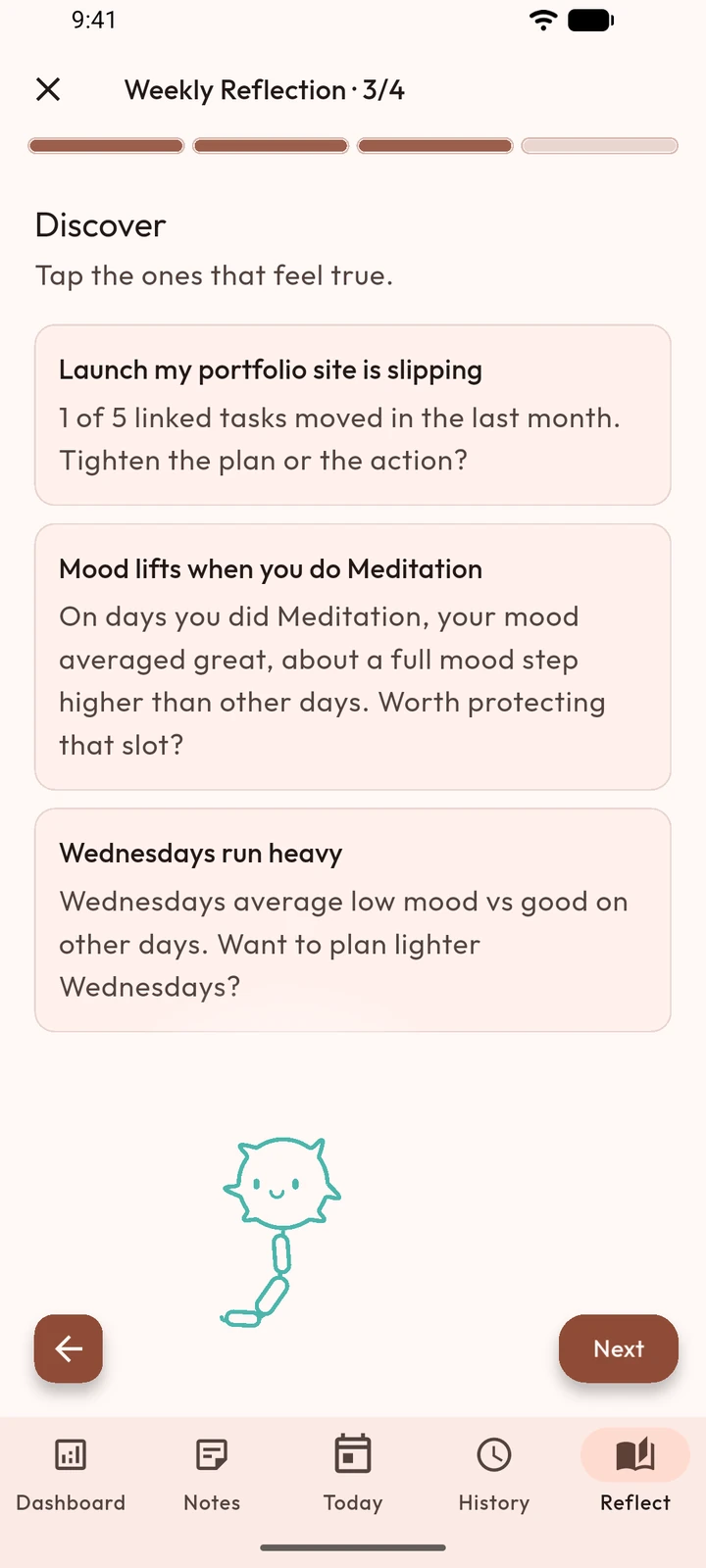
Discover
Step three looks across your last two weeks and offers what it noticed. You tap the ones that feel true, and your reflection keeps your picks.
Privacy
An app like this only works if you trust it. So here is exactly where things go.
Everything you write lives in the app's own storage. No account needed to use it.
One file with everything, saved wherever you choose. Import it back on any phone.
Cloud sync across phones is optional, with Premium. Delete your account in the app and the cloud copy goes with it.
Nothing in the app is for sale to anyone, including your attention.
An evening check-in and a Sunday reflection. Nothing in the morning, and the evening one skips a day you've already closed. Task reminders and timer alerts come only from what you set.
Already keep things in Notion? Import a Notion export and pick up where you left off.
Who makes it
PartNeur is made by d-tailed, a one-person studio. No investors to please and no growth team to feed, just an app I wanted for myself and kept building.
The plan is a new version every two weeks, each with a note on what changed.
d-tailed · support@d-tailed.com
Questions
Yes. Tasks, habits, goals, mood, notes, History, the weekly reflection and your partner are all free. Premium adds cloud sync and backup across phones, extra app themes and more colours for your partner.
To sort what you type and to find related entries, small models run on your phone, and your typed words never leave it for that. If you dictate instead of typing, Android's own speech recognition turns your voice into text.
On your phone, in the app's own storage. If you turn on sync, a copy is kept in your account so your other phones can see it. You can export everything as one file whenever you like.
Not yet. PartNeur starts on Android.
No. It sends one evening check-in and one Sunday reminder for the weekly reflection, and you can turn either off. Anything else, like a task reminder, is one you set.
Free on Android.